
Nearly every C-suite leader expects AI to lift productivity. Recent research from Kore.ai tells a different story on the ground: a majority of employees using AI say it has added to their workload, not reduced it. It’s a clear signal that workplace AI adoption is running ahead of the groundwork needed to support it.
That gap between expectation and experience isn’t a sign that the technology doesn’t work. It’s a sign of how it’s being introduced. Most organisations hand employees a new AI tool without fixing the data behind it, the workflow it sits inside, or the governance around it. The tool gets layered onto an unprepared environment instead of built into a ready one, and the productivity gain it was funded to deliver quietly disappears.
Three of the patterns behind stalled workplace AI adoption are ones we see constantly in our own work with IT leaders.
Workplace AI adoption stalls when the data was never built to talk to itself
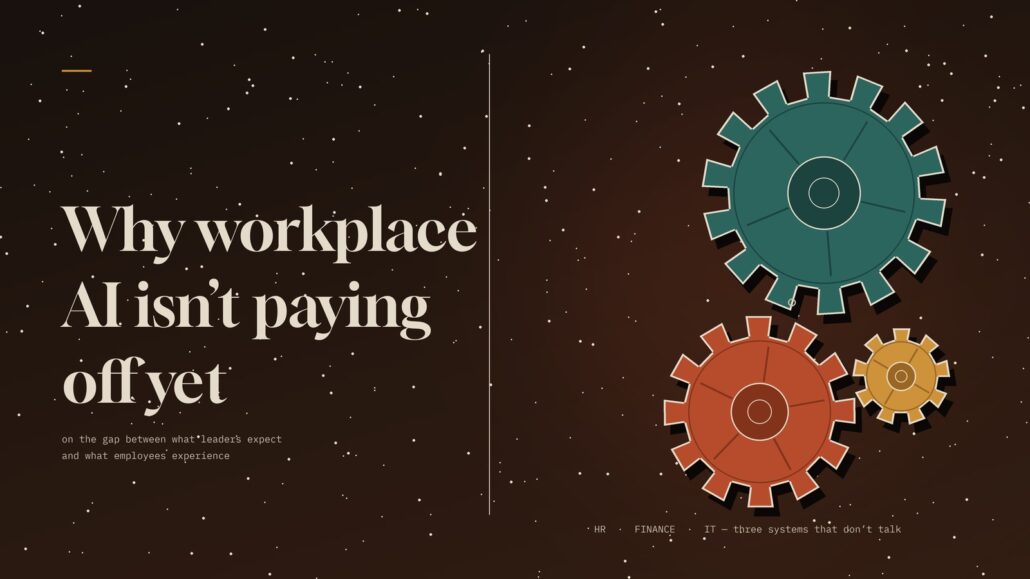
Ask an AI assistant a simple cross-system question, like an employee’s remaining leave balance and whether a specific expense is claimable, and it often can’t answer. Not because the model is weak, but because that information lives in two systems that have never been connected. Most enterprise HR, IT, and finance data was never centralised. It’s spread across a decade of point solutions, each built to run its own function.
This is precisely the extend-versus-replace decision so many IT leaders are wrestling with right now, and it’s worth running the numbers on using our integration cost calculator before committing to either path. The fix usually isn’t a company-wide data cleanup project. It’s an integration layer, standing up one connection between core systems for one specific use case, so the data quality problem becomes small and contained rather than enterprise-wide.
Workplace AI adoption stalls when the workflow around the tool never changed
A tool can answer a request in seconds and still sit inside an approval chain built for a world without it. The AI step gets faster. The three-day manual sign-off wrapped around it doesn’t. This is why so many organisations roll out a genuinely useful tool and still see almost no change in how work actually moves.
The fix is redesigning two or three high-friction workflows end to end, not layering AI thinly across every function. IT ticket triage, expense approvals, new-hire provisioning: pick the workflows employees complain about most, and rebuild them with a clear human checkpoint built in rather than removed entirely.
Workplace AI adoption stalls when nobody decided what the agent is allowed to do
As AI agents take on more autonomous tasks, most enterprises haven’t settled the basic governance questions before deployment: what data can this agent touch, which actions need a human sign-off, and who owns it if something goes wrong. Kore.ai’s own 2026 Agent Productivity Index, a survey of over 400 enterprise IT leaders, found that a large majority say their AI agents carry unmanaged financial or compliance risk, and more than 60% have delayed a deployment specifically over governance concerns.
Governing every agent under one blanket policy doesn’t solve this. It over-restricts the low-risk ones and under-restricts the ones actually handling sensitive data. The agents need to be governed by autonomy level and task risk, with clear ownership and an audit trail from day one, not bolted on after something goes wrong.
What this means for IT leaders
None of this is really a question of whether AI works. It’s whether the less visible groundwork has been done: integrated data, redesigned workflows, right-sized governance, and employees who were brought into the rollout rather than handed a mandate.
That groundwork is exactly where a partner-led approach earns its keep. Whether you’re evaluating a first AI use case or trying to understand why an existing pilot hasn’t moved the needle, the conversation worth having isn’t “which tool” but “what’s underneath it.”
If you’re weighing up where AI could genuinely reduce load on your teams versus where it would just add another disconnected system, that’s a conversation we’re always happy to have.
